QR Codes vs NFC for Event Check-In: What to Choose and Why
QR codes vs NFC for event check-in - real trade-offs in cost, infrastructure, scan speed, and attendee experience, compared.
June 3, 2026
Contactless check-in technology has become standard at conferences and trade shows, but "contactless" covers two meaningfully different approaches: QR codes and NFC (Near Field Communication). Both scan a badge to pull up an attendee's registration record and confirm their entry. The similarity ends there.
QR codes and NFC have different cost structures, different hardware requirements, different scanning speeds, and different failure modes. The right choice depends on your event's size, budget, badge printing approach, and what you want to do with the technology beyond the front door. This guide covers both technologies in enough depth to make that decision clearly.
How QR Code Check-In Works
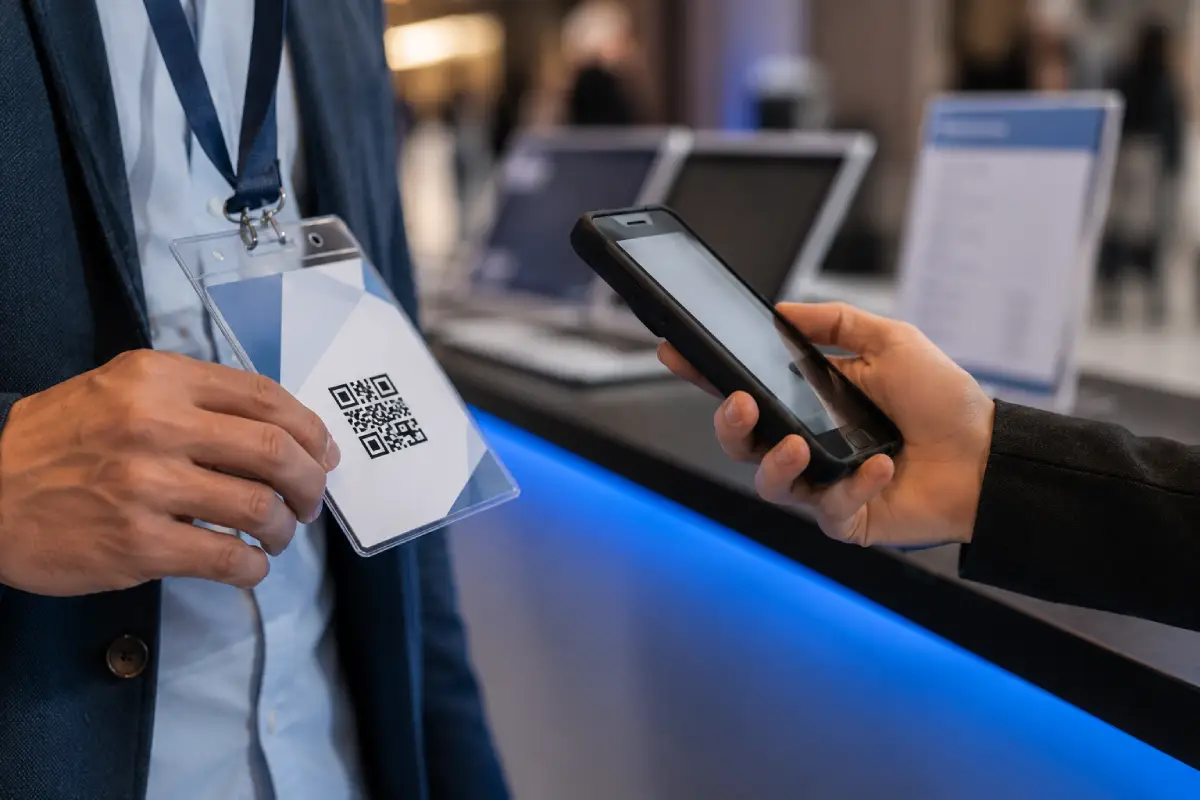
A QR code check-in system encodes each attendee's unique registration identifier in a printed QR code on their badge. When the attendee arrives, a staff member scans the badge using a smartphone camera or a dedicated barcode scanner. The scan reads the code, looks up the record in the event's registration database, and marks the attendee as checked in - typically within 1–2 seconds.
QR codes are printed as part of the standard badge printing process. Any printer capable of producing a clear, high-contrast image can print a scannable QR code - you don't need specialized badge printing equipment.
The scanning device can be a consumer smartphone running a check-in app, a tablet, or a dedicated 2D barcode scanner. Dedicated scanners are faster and more reliable in variable lighting, but a well-configured smartphone camera with a modern QR scanning app performs adequately at most events.
What the QR code contains
The QR code on an event badge typically encodes a unique registration ID string that maps to a record in the event management system. It does not store personal data - it's just a pointer. The lookup happens server-side or in a locally cached registration database. This means a damaged or screenshot QR code can be duplicated, which is worth understanding for high-security or ticketed events.
How NFC Check-In WorksNFC check-in example
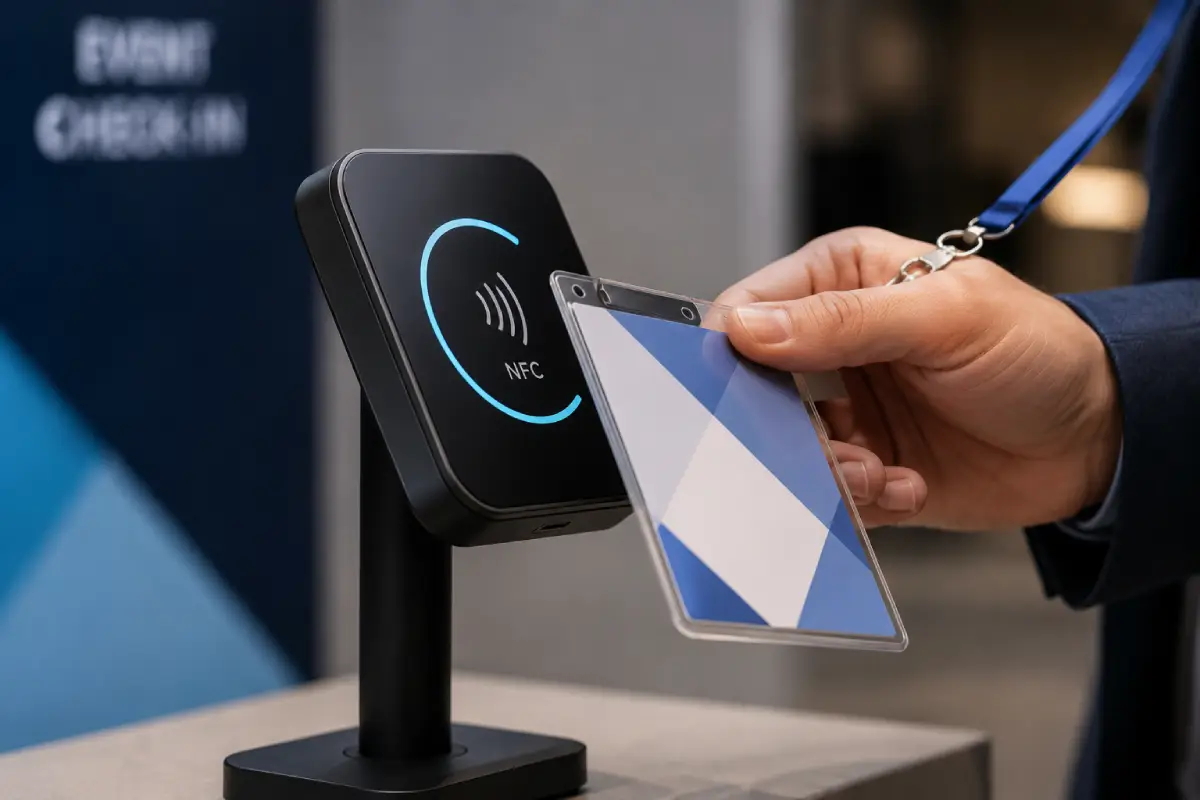
NFC (Near Field Communication) embeds a small chip in the badge itself. The chip stores a unique identifier that's transmitted wirelessly when held near a compatible reader. The reader doesn't need to "see" the badge - it reads it through proximity (typically 1–4cm) by detecting the radio frequency signal the chip emits when powered by the reader's field.
NFC-enabled badges require a different production process: the NFC chip is embedded in the badge material during manufacturing, then written with the attendee identifier during badge personalization. Standard thermal badge printers cannot produce NFC badges without an NFC-capable unit.
Check-in staff use an NFC reader - which may be a dedicated event check-in terminal, a handheld NFC reader, or a recent-generation smartphone (most modern iOS and Android devices support NFC reading). The attendee taps or briefly holds their badge near the reader. The read is nearly instantaneous - typically under 0.5 seconds.
What the NFC chip stores
Like QR codes, NFC badges typically store a unique registration identifier rather than personal data. The identifier is read by the check-in system and matched against the attendee database. Some implementations encrypt the chip data; some do not. The chip cannot be photographed or duplicated without physical access to the original badge.
Cost Comparison
This is often the deciding factor for mid-size events.
QR code costs
QR code check-in adds effectively zero incremental cost to a standard badge production process. Any badge template can include a QR code. The scanning hardware is a smartphone or tablet your team already owns or rents for the event. The software is a check-in app - either provided by your event management platform or a standalone solution.
The meaningful cost for QR check-in is the check-in software subscription and the time to configure it. Hardware is not a material cost line.
NFC costs
NFC badge production costs more than standard badge production. NFC-embedded badge stock costs more per unit than standard badge stock, and the printer used to personalize NFC badges must be NFC-capable — a significantly higher equipment cost than a standard badge printer. NFC reader hardware (dedicated readers or NFC-capable check-in terminals) also adds to the line item.
For a 1,000-person event, the additional cost of NFC check-in over QR code check-in can range from $3 to $8+ per attendee, depending on badge production method and reader hardware chosen. At scale (5,000+ attendees), NFC infrastructure cost becomes more manageable as a percentage of total event spend, but it remains a meaningful premium.
The legitimate reason to pay it is covered in the use cases section below.
Scanning Speed and ThroughputCheck-in Scanning
QR code throughput
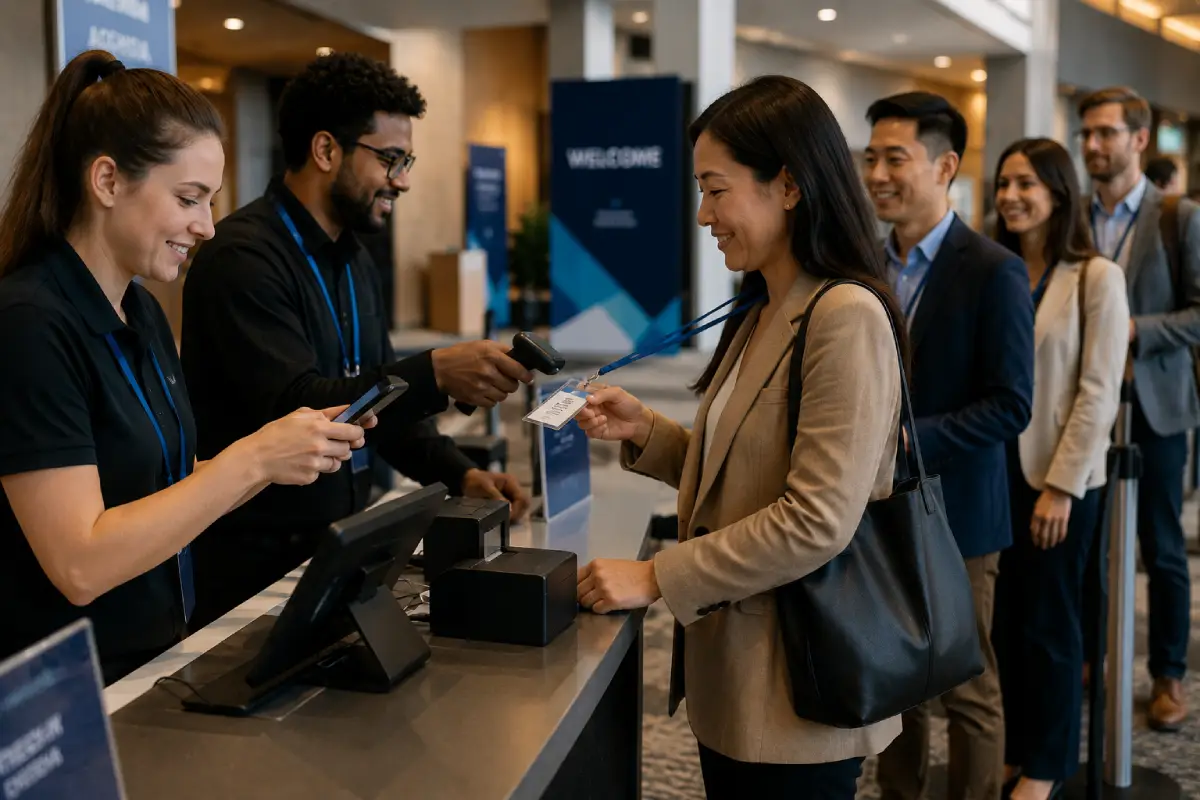
With a well-configured check-in system and a competent scanner (dedicated 2D reader rather than smartphone camera), QR code check-in can process 300–500 attendees per hour per station. The dominant time factor is not the scan itself — it's the time it takes the attendee to locate and present their badge, and the time for the display to update and confirm.
Smartphone camera QR scanning is slower than a dedicated reader, particularly in low lighting or when badges are wrinkled or printed on glossy stock. If throughput is critical - a 2,000-person event with a 45-minute registration window - invest in dedicated scanners rather than relying on phone cameras.
NFC throughput
NFC reads faster than QR scans - the tap-and-go interaction takes under a second, compared to 1–3 seconds for a QR code scan including the camera focus-and-read cycle. In controlled conditions, NFC check-in can process 500–800 attendees per station per hour.
The practical difference at most events is not as large as these numbers suggest, because throughput is usually limited by the time it takes for attendees to locate their badge, approach the reader, and move through the desk - not by the scan duration itself. At very high-volume events (5,000+ attendees through a single door in a compressed window), the per-scan time difference does compound into a meaningful throughput advantage.
Badge Production Requirements
QR: Standard badge printing process
QR codes print on any badge stock using any printer capable of producing high-contrast imagery. The code is generated during badge production and included in the badge template layout. The primary production requirement is that the QR code be large enough to scan reliably - a minimum of 1.5cm x 1.5cm at 200dpi is a workable floor, though 2.5cm x 2.5cm at 300dpi is more reliable in variable lighting.
For more on the badge printing process and how to choose between print-ahead, on-demand, and kiosk approaches, see the event badge printing guide.
NFC: Specialized badge stock and equipment
NFC badges require chip-embedded badge stock and an NFC-capable printer for personalization. The chips must be written with each attendee's unique identifier during badge production - this is not a standard step in the badge printing workflow and requires either specialized in-house equipment or a badge production vendor that provides NFC services.
For organizers printing badges in-house, adding NFC capability requires a hardware investment that is only justified if NFC is being used for purposes beyond basic check-in. For large events using a badge production vendor, NFC can often be ordered as a per-badge upcharge.
Event Check-In
Check-in, badges and attendance in one system
Scan attendees in, print badges on the spot and keep attendance synced with registration, so lines move and the counts are right.
QR code check-in can run fully offline with a locally cached attendee list. The check-in app downloads the registration database before the event begins, and scans update the local cache. When connectivity is restored, local check-ins sync to the central system. This makes QR code check-in resilient in venues with poor wi-fi — which describes most large convention centers during peak attendance.
NFC and connectivity
NFC reads are equally compatible with offline operation. The read itself is radio-frequency and requires no network - only the lookup and database update require connectivity, and these can be cached locally in the same way as QR code systems.
The connectivity requirements for both technologies are functionally identical for check-in purposes. Neither has a meaningful advantage here.
Use Cases Beyond the Front Door
This is where NFC's cost premium becomes justifiable for some events.
Session trackingEvent session tracking
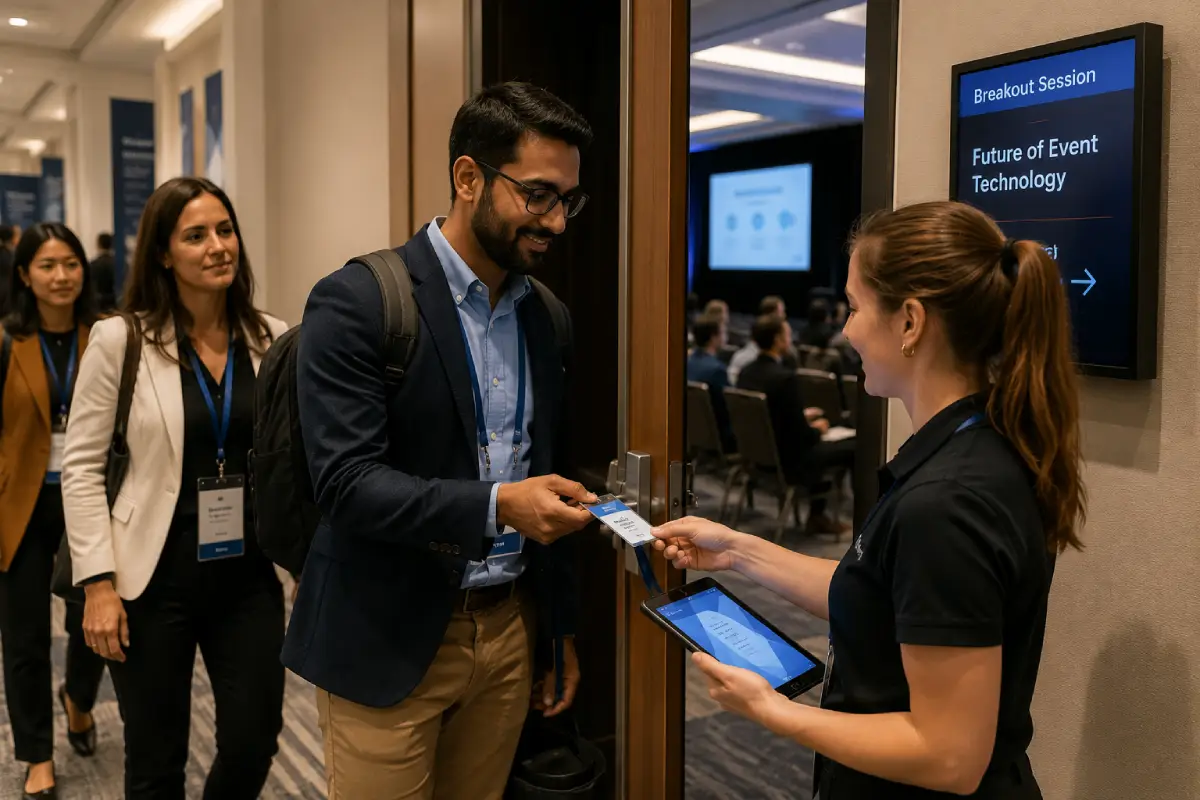
If you want to track which sessions attendees attended - for CEU credit, for content analytics, or for sponsored session ROI reporting - NFC can be deployed at session room doors with NFC readers. The attendee taps their badge at the session entrance, and the read is logged against their profile.
The same is possible with QR codes at session doors - a staff member scans attendee badges as they enter a room, or attendees self-scan on a mounted reader. In practice, QR scanning at session entry requires more active participation from either staff or attendees. NFC tap-and-go is lower friction.
Exhibitor lead retrieval
Exhibitors using NFC readers can capture attendee contact information by having an attendee tap their badge against a portable reader, which pulls registration data into the exhibitor's lead capture system. This is faster than the QR scan equivalent and doesn't require the attendee to locate and hold up their badge for scanning.
For high-density exhibit halls where speed matters, NFC lead retrieval is a premium experience that exhibitors notice. For most trade shows, QR-based lead retrieval produces equivalent results at significantly lower cost. See the exhibitor lead retrieval guide for a detailed breakdown of lead capture approaches.
Access control zones
For events with restricted areas - speaker green rooms, VIP lounges, press-only sections - NFC readers at entry points can enforce access automatically without requiring staff to visually verify badges. The reader accepts taps from authorized badge tiers and rejects others. QR code access control is possible but more cumbersome to implement reliably.
Networking and contact exchange
Some events embed an NFC chip in the badge specifically to enable attendee-to-attendee contact exchange: two attendees tap badges, and each person's contact information is added to the other's profile or app. This feature has more appeal in concept than in adoption - most attendees use LinkedIn QR codes or business cards for the same purpose, and the tap-to-exchange behavior requires both parties to have the app installed and behave in a specific way.
Attendee Experience
From the attendee's perspective, both technologies are straightforward when implemented correctly.
QR experience
The attendee holds their badge facing the scanner. The scanner reads the code. A confirmation appears on the scanner screen. The interaction takes 2–4 seconds. Most attendees find this familiar - QR codes are ubiquitous enough that the behavior is intuitive without instructions.
Failure points: a badge that was printed on glossy stock and reflects under fluorescent lighting; a QR code that's too small to scan at a comfortable distance; a phone camera that's slow in low light; an attendee who holds the badge at an angle. All of these are solvable with good badge design and appropriate hardware.
NFC experience
The attendee taps their badge near a reader. Confirmation appears. The interaction takes under 1 second. There is no alignment requirement - the attendee doesn't need to orient the badge correctly or hold it at a specific angle. The interaction is marginally faster and slightly more intuitive for attendees who have used contactless payment.
Failure points: an attendee who doesn't know to tap (this is less common as contactless payment has normalized the gesture); a badge that has been bent or damaged, which can compromise the chip; an NFC reader that isn't discovering chips consistently (a hardware or configuration issue, not a technology limitation).
Failure Modes and Backup Plans
Every check-in technology fails. The question is how it fails and what happens next.
Event check in failure recovery
QR code failure scenarios
Code won't scan: Occurs when the printed code is smudged, wrinkled, too small, or on reflective stock. Fallback: manual name lookup in the attendee list. Resolved in 10–15 seconds per attendee.
Duplicate code: A screenshot of a QR code can be used to check in as someone else. Mitigation: single-use QR codes that mark as checked in on first scan. Subsequent scans of the same code trigger a flagged notification.
Device failure: Scanner app crashes or device battery dies. Mitigation: offline attendee list printout, spare devices, shared charging stations at the desk.
NFC failure scenarios
Badge chip damaged: A bent or wet badge may fail to read. Fallback: same as QR - manual lookup. The chip damage rate in standard event use is low but non-zero.
Reader hardware failure: A dedicated NFC reader that stops responding requires backup hardware or fallback to a manual lookup. Mitigation: spare readers, tablet-based NFC as backup.
App-reader communication failure: Some NFC check-in implementations require a Bluetooth or USB connection between the reader and the check-in device. Connectivity issues here can stop a check-in desk entirely. Test thoroughly before event day.
In both cases: always have a printed attendee list as a final fallback. Digital check-in systems fail rarely; when they do, a printed list is the difference between a 10-second resolution and a 10-minute queue.
Which to Choose: A Decision Framework
Use this framework to make the choice based on your specific situation.
Choose QR codes if:
Budget is a meaningful constraint (QR adds negligible cost to standard badge production)
Your event is under 3,000 attendees and check-in throughput is manageable with QR scanning speeds
You don't need session-level attendance tracking or NFC-based access control
You're printing badges in-house and want to avoid specialized equipment
This is a first-time event and you're building the check-in workflow from scratch
Choose NFC if:
You have 5,000+ attendees with a compressed check-in window and throughput is genuinely constrained
You're using badge tap for session attendance tracking, CEU credit, or sponsor session reporting
You're offering NFC-based exhibitor lead retrieval as a premium exhibitor feature
You need keyless access control for restricted zones
Your event brand and audience expectations support a premium technology experience
Consider a hybrid approach
Some events use QR codes for standard attendee check-in at the front door (lower cost, sufficient speed) and NFC for session tracking and exhibitor lead retrieval (higher value use cases that justify the chip cost for specific badge tiers). This approach keeps overall badge production costs down while enabling the specific NFC features that generate value.
Check-In Technology at Scale with VenueSight
VenueSight's check-in system is built around QR code scanning as the primary technology, with the registration database cached locally for offline reliability in venues with poor connectivity. Attendee badges are printed with unique QR codes generated from registration data, and the check-in app runs on standard iOS and Android devices.
Because VenueSight connects registration, check-in, and post-event analytics on a single platform, every check-in scan feeds directly into real-time attendance tracking - which sessions are filling up, what the check-in rate looks like relative to registration count, and where attendance is concentrated throughout the event day. No data export is required to get from check-in to reporting.
For the comprehensive operations guide covering registration desk layout, staffing, badge organization, and throughput optimization, see the conference check-in guide. Or book a demo to walk through how check-in works for your specific event.
Frequently Asked Questions
Yes. VenueSight's check-in system is built around QR code scanning as the primary technology, with the registration database cached locally on the device for offline reliability in venues with poor connectivity, and every scan feeds directly into real-time attendance analytics with no separate data export.
Yes. VenueSight uses the same attendee QR code for front-door check-in and session-level scanning, so session attendance data feeds into the same real-time analytics as overall check-in, without generating or tracking a separate code per touchpoint.
VenueSight's check-in app includes a name-search fallback so staff can look up and check in an attendee manually if a QR code will not scan or display, without stopping the line to resolve the issue at a separate station.
Tagged with:
event technology
event check-in
conference check-in
QR codes
NFC badges